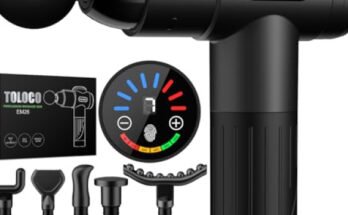
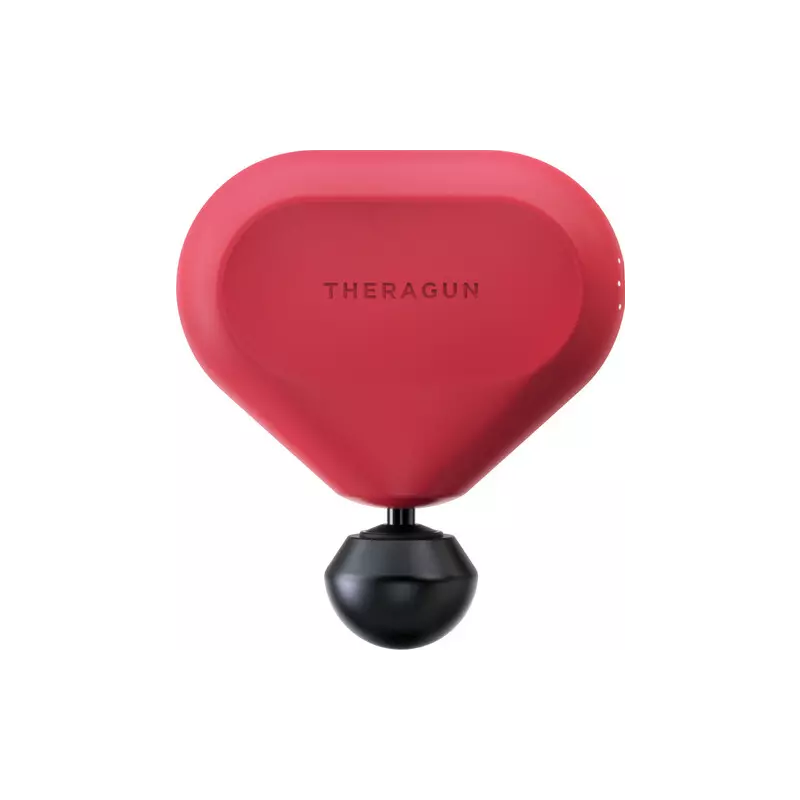
A percussion massager can be a real lifesaver for muscle pain, tension, or even just relaxing after a long day. These devices have exploded in popularity, with people using them at home, in gyms, and even in offices. But what happens when your percussion massager suddenly stops working, freezes, or doesn’t respond as it should?
If you find yourself staring at a dead or unresponsive device, you might need to reset it. Resetting a percussion massager is often the simplest way to fix common issues, save time, and avoid unnecessary repairs. Let’s walk through everything you need to know, from understanding why a reset is necessary to step-by-step instructions, troubleshooting, and when to seek professional help.
What Is A Percussion Massager?
A percussion massager is a handheld device designed to deliver rapid pulses of pressure into the muscle tissue. The goal is to increase blood flow, reduce soreness, and help muscles recover faster. They’re popular among athletes, fitness enthusiasts, office workers, and anyone who wants quick relief from muscle tension. Most devices have a motor that moves a massage head back and forth, creating a tapping or pounding sensation on your skin and muscles.
Why Might You Need To Reset A Percussion Massager?
Even the best percussion massagers can run into problems. Here are some reasons you might need to reset yours:
- Device won’t turn on even after charging
- Buttons stop responding or seem stuck
- Display shows error codes or strange lights
- Motor won’t start or makes odd noises
- Battery drains too quickly or doesn’t charge
- Software glitches after a firmware update
Resetting is like giving your device a fresh start. It can clear minor software bugs or electrical hiccups that build up over time.
Common Problems That A Reset Can Solve
Not every issue needs a full reset, but here are some problems a reset often fixes:
- Frozen controls – Buttons do nothing when pressed.
- Random shutdowns – The device turns off during use.
- Charging failures – Massager does not charge or recognize the charger.
- Incorrect speeds – Device won’t change speed or gets stuck at one setting.
- Error lights – LEDs flash in a pattern or display a code.
If your device is showing any of these symptoms, a reset is usually the best first step.
Understanding The Types Of Reset
Before you begin, it’s important to know there are two main types of resets for percussion massagers:
- Soft reset: This is a quick restart, like turning your phone off and back on. It usually doesn’t erase settings or data.
- Hard reset (Factory reset): This returns the device to its original settings, erasing any preferences or saved profiles. Only use this if a soft reset doesn’t work.
Some massagers only allow a soft reset, while others include a hard reset option. Always check your manual for model-specific details.
Step-by-step: How To Reset A Percussion Massager
Resetting your percussion massager is usually quick and easy. Here’s how to do it for most brands and models.
Soft Reset (most Common)
- Turn off the device: Switch off the massager completely. If it’s frozen, hold the power button for 10–15 seconds.
- Disconnect from charger: Unplug the charging cable if it’s connected.
- Wait 30 seconds: Leave the device powered off to let any residual power drain.
- Turn it back on: Press and hold the power button for 3–5 seconds.
- Test the device: Try changing speeds, using attachments, and checking battery indicators.
Hard Reset (factory Reset)
Not all massagers have a factory reset, but if yours does:
- Turn off the device.
- Press and hold the power and mode buttons together: (Usually 10–15 seconds, but check your manual).
- Wait for a flashing light or beep: This signals the reset is complete.
- Release the buttons: The device should restart and return to default settings.
Resetting With A Reset Button
Some advanced models include a small reset button (often recessed and requires a paperclip):
- Locate the tiny hole labeled “reset” (usually near the charging port).
- Insert a paperclip or pin and press gently for 3–5 seconds.
- Remove the tool and wait for the device to restart.
Example: Resetting The Theragun Prime
Let’s look at a real example. The Theragun Prime is a popular percussion massager. Here’s how you would reset it:
- Hold down the power button for 10 seconds until the device turns off.
- Wait 30 seconds.
- Press the power button again to restart.
- For a hard reset, you would press and hold both the power and speed increase buttons for 15 seconds.
Always check your specific model’s instructions, as button combinations can vary.
Comparison Of Reset Methods By Brand
Here’s a quick look at how some well-known percussion massager brands handle resets:
| Brand | Soft Reset | Hard Reset | Reset Button |
|---|---|---|---|
| Theragun | Hold power 10s | Power + Speed 15s | No |
| Hypervolt | Power off/on | Not available | No |
| Opove | Hold power 8s | Power + Mode 10s | Yes |
| RENPHO | Power off/on | Not available | Yes |
| Bob and Brad | Hold power 5s | Power + Reset 10s | Yes |
This table shows that every brand is a bit different. Always double-check your user manual or the manufacturer’s website for your exact model.

Important Precautions Before Resetting
Resetting is usually safe, but take these precautions:
- Back up personal settings: If your device stores profiles or preferences, you’ll lose them with a hard reset.
- Disconnect from power: Never reset while charging to avoid electrical issues.
- Check warranty: Some brands may void warranties if you open the device or use non-approved reset methods.
- Use correct tools: Only use a paperclip or pin for a reset button—never sharp or metal objects that could damage the port.
What If Resetting Doesn’t Work?
If your percussion massager still won’t work after a reset, try these steps:
- Charge fully: Plug in and charge for at least 2 hours using the original charger.
- Try a different outlet: Sometimes the problem is your wall socket, not the device.
- Inspect for damage: Look for cracks, loose parts, or exposed wires.
- Update firmware: Some smart massagers can be updated using an app or USB. Check the brand’s website for instructions.
- Contact support: If all else fails, reach out to customer support for guidance or repair options.
Table: Troubleshooting Steps After Reset Fails
Here is a summary of what you should try if a reset does not solve the issue:
| Problem | Action | Notes |
|---|---|---|
| Device won’t charge | Try new charger/cable | Use manufacturer-approved parts |
| No power at all | Check battery contacts | Look for debris or corrosion |
| Buttons not working | Inspect for stuck buttons | Clean gently with dry cloth |
| Weird noises | Stop using immediately | Could be internal damage |
| Error codes | Consult manual/support | Error meanings vary by brand |
Signs That You Should Seek Professional Repair
Resetting can’t fix everything. Watch for these signs that you may need professional repair:
- Burning smell or smoke when using
- Device overheats quickly, even after a reset
- Physical damage like cracks, broken parts, or rattling inside
- No response at all after all troubleshooting steps
- Battery swelling or leaking
Attempting to fix these problems yourself can be dangerous. Contact the manufacturer or a certified repair shop.
When To Replace Your Percussion Massager
Sometimes, it’s better to replace the device rather than repair it. Consider getting a new massager if:
- Repair costs are more than half the price of a new one
- The battery no longer holds a charge after a year or more
- Your model is older and lacks features or parts are unavailable
- You use it frequently and need reliable performance
Modern percussion massagers are more affordable and often come with better warranties and features.
Preventing Future Problems With Your Massager
A bit of care goes a long way. Here’s how to keep your device working well:
- Charge regularly: Don’t let the battery drop to 0% often.
- Store properly: Keep the device in a cool, dry place, away from direct sunlight.
- Clean attachments: Wipe down massage heads after each use.
- Avoid drops or bumps: Even small falls can damage internal parts.
- Use only recommended chargers: Cheap or incorrect chargers can harm the battery.
- Follow usage limits: Don’t run the device for longer than the recommended time (usually 10–20 minutes).
Data: Failure Rates And Common Issues
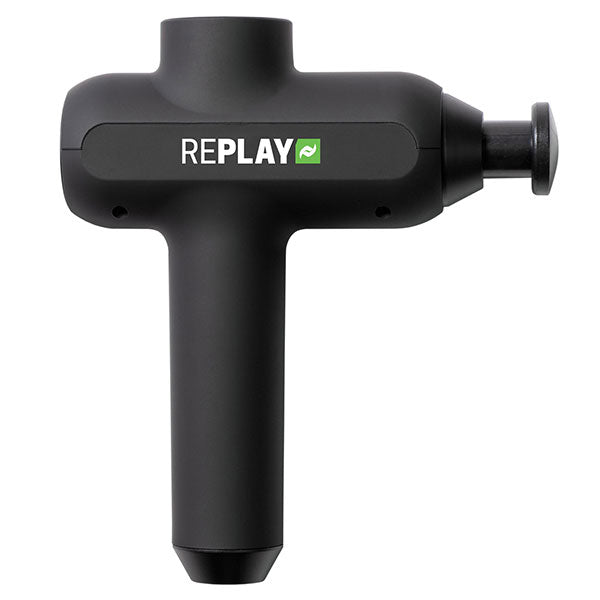
According to recent product reviews and consumer surveys, about 12–15% of percussion massager owners report some kind of malfunction within the first year. The most common issues are:
- Battery problems (40%)
- Button failures (25%)
- Motor issues (15%)
- Display or LED errors (10%)
- Software glitches (10%)
Most of these can be fixed with a simple reset or by replacing a charger or cable.
Non-obvious Tips For Resetting And Maintaining Your Device
Many users miss these simple but effective strategies:
- Update the app: If your device connects to a smartphone app, update it regularly. Outdated apps can cause connection or control issues.
- Check for hidden reset options: Some brands allow resets via Bluetooth or USB, not just with buttons.
- Short-circuit prevention: After a reset, don’t immediately plug into power. Wait at least 1 minute to avoid electrical shorting.
- Keep a reset tool handy: Attach a paperclip to your device’s case so you’re always ready for a reset if needed.
Real-life Example: Avoiding A Costly Repair
Mark, a gym trainer, thought his percussion massager was broken when it wouldn’t start, even after charging overnight. He almost sent it for repair. But after reading the manual, he found a small reset button near the handle. A quick press with a paperclip brought the massager back to life—saving him $75 in repair fees and a week without his favorite tool.
Table: Soft Vs. Hard Reset – Key Differences
Understanding the difference between soft and hard resets can help you choose the safest option first.
| Feature | Soft Reset | Hard Reset (Factory) |
|---|---|---|
| Erases settings | No | Yes |
| Fixes minor bugs | Yes | Yes |
| Time needed | 30–60 seconds | 1–2 minutes |
| Restores factory defaults | No | Yes |
| Data loss risk | None | Possible |

Frequently Asked Questions
How Often Should I Reset My Percussion Massager?
You should only reset your massager when you notice problems like freezing, unresponsive buttons, or charging issues. Regular resets are not needed for normal use.
Will Resetting My Massager Delete My Settings Or Profiles?
A soft reset will not erase your settings. However, a hard (factory) reset will restore the device to its original state, erasing profiles and preferences. Always check your manual for details.
Can I Reset My Massager While It’s Charging?
It’s best to disconnect from the charger before resetting. Resetting while charging can cause electrical issues or damage the battery.
What Should I Do If My Massager Still Doesn’t Work After Resetting?
Try charging with a different cable, checking for physical damage, and updating the software if possible. If problems continue, contact the manufacturer or a certified repair center.
Is It Safe To Use A Paperclip To Press The Reset Button?
Yes, as long as you use gentle pressure and only insert the paperclip into the designated reset hole. Avoid using sharp or metal objects that could scratch or damage the device.
Resetting a percussion massager is usually quick and safe, and it can solve many common issues without a trip to the repair shop. Knowing the right reset method for your brand and model, following safety steps, and keeping your device well-maintained will help you enjoy better performance and longer lifespan. If you need more technical details or official instructions for your specific model, check the manufacturer’s website or resources like Wikipedia: Massage Device. With the right knowledge, you can keep your massager running smoothly and get back to enjoying muscle relief—without the stress or cost of unnecessary repairs.